ateanna uriri, library person.
work space to showcase (mostly) all of my things and thoughts.
Projects.
001 - Résumé
In perusing the “Explore” section of GitHub, I found a repo created by mrzool for a CV created using LaTeX. Needing to spruce up my résumé and finding the look of it visually pleasing, I decided to kill two birds by updating my résumé and learn a little about LaTeX. Like many things, LaTeX is pretty straight-forward until it’s not. I had some challenges. Thankfully, there have been many before me and I was able to put it together, see link on my home page. I can definitely see how flexible and orderly it would be to craft documents with LaTeX and hope to do just that…once I really figure out how things work.
002 - Information Organization Project (IOP)
Word of Caution: Along with my example, you, dear reader, can find quite a few examples from other students from this class by employing a simple search. While these examples are helpful in gaining some idea in crafting the IOP, if you are currently in this class (INFO 5200), do NOT copy and paste, paraphrase, or take any action where your project would mirror an example you’ve seen. Assuming that much hasn’t changed since I was enrolled in this class, it would be better to ask questions during the chats and review the recorded lectures for insight.
If you would like to take a look at my last draft submitted, click here.
003 - Portal to Texas History Metadata
For a metadata class (INFO 5210), we were tasked with inputting metadata for patents ingested into the UNT Portal to Texas History database. Below, are the entries for which I specifically entered metadata.
Fruit-Drier · Automatic Service-Switch · Umbrella-Holder · Game Apparatus · Turnstile · Telephone System
004 - Presentations, not the professional kind
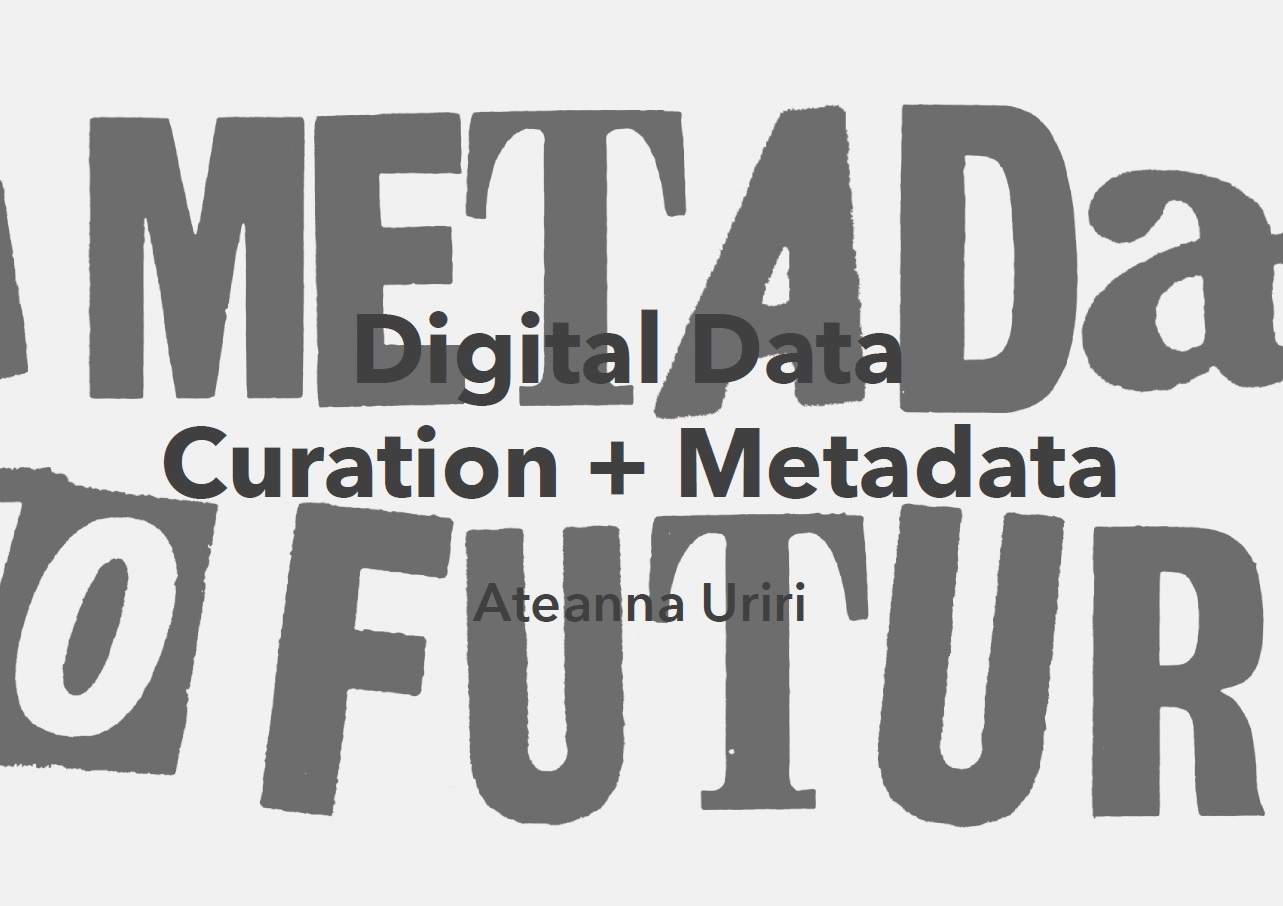
Curation + Metadata
This presentation was created to fulfill an assignment requirement for INFO 5223 - Metadata for Information Organization and Retrieval. Students were given a topic and tasked to create a presentation of how their topic employed or benefitted from metadata; my topic was Digital Curation.
To take a look at the presentation, click the slide image.
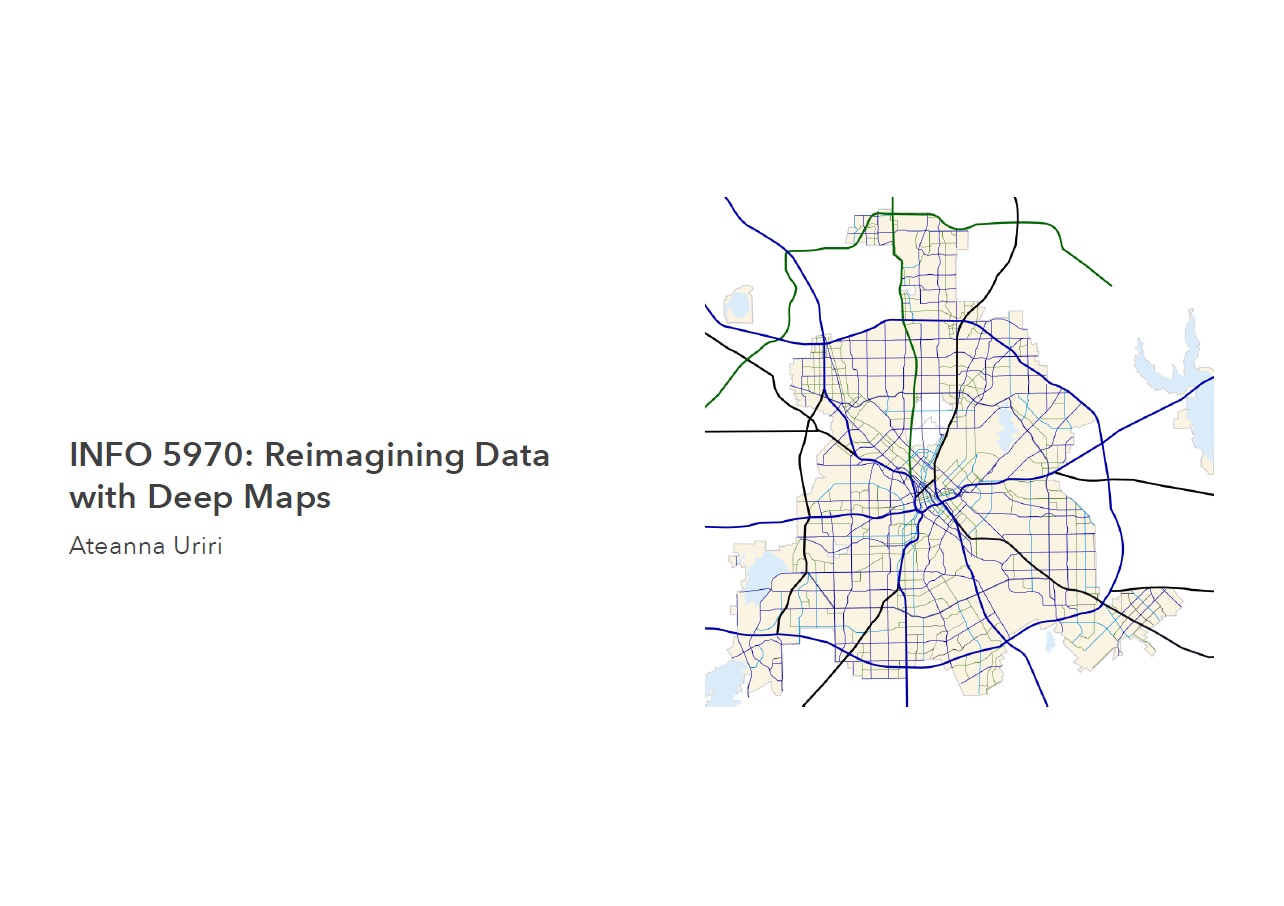
Reimagining Data with Deep Maps
This presentation serves as a digestible look at the research work students had been doing in INFO 5970 - Advanced Topics Seminar in Information Science I. My research topic was employing Deep Mapping, using Activity Theory, as a means to reuse or reimagine available data. I briefly explain the purpose of my research, a possible research question, and background on the terms/topics of my research.
To take a look at the presentation, click the slide image.
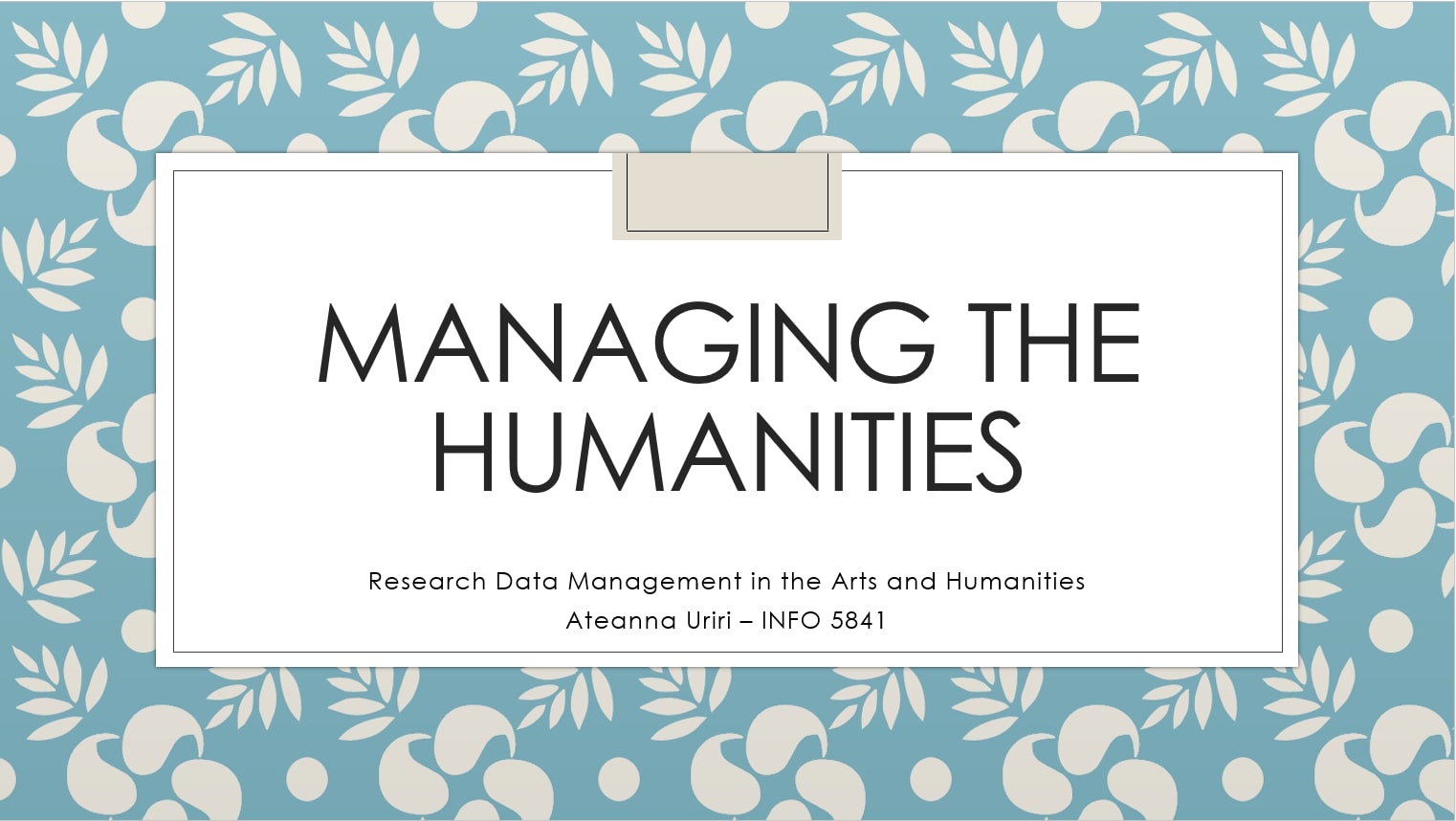
Managing the Humanities: Research Data Management in the Arts & Humanities
Created to accompany my final paper (and for extra credit), this presentation serves as a summary for the topic of managing research data from the different disciplines in the arts and humantities. Looking mainly to UK services and tools, I examined how librarians, data managers, and data librarians are working to educate and support researchers in the arts & humanities on how to manage their data.
To take a look at the presentation, click the slide image.
005 - Wikipedia
Since the beginning of 2018, I’ve done my little part to make Wikipedia articles more reputable. Thanks to the help of a co-worker who was very much into Wikipedia, I’ve learned how to add citations and edit/proofread articles. I’ve participated in #1Lib1Ref, and other edit-a-thons, including the Schomburg Center Black History Month Wikipedia Edit-a-thon with AfroCROWD. During this particular edit-a-thon, I’ve joined Women in Red (WiR) with the hopes of creating my own article on author and scholar Chikwenye Okonjo Ogunyemi.
Next edit-a-thon: Smithsonian American Art Museum - African American Artists Wikipedia Edit-a-thon - February 17, 2019 
006 - Personal Preservation Project
In honor of the ALCTS Preservation Week initiative and to apply what I’m learning in the Preservation Planning and Implementation for Digital Curation (INFO 5843) course, I’ve decided to tackle a long overdue project: digitizing family photos. Of course, I don’t have to stress the importance of digitizing anything physical, especially personal effects, but it is crucial in my case because my mother’s portion of the family photos are lovingly stored in a large beach bag…yeah. So the plan is as follows and honestly, who knows how long this is going to take 
- Scan all the photos at least the really important ones
- Organize, since img250.tif isn’t really descriptive, amirite?
- Make ‘em pretty: crop, light touch-ups
- SHARE
- find a CMS that my family members can view the images and even share stories and/or comments about them
- Rinse and repeat for other contributed photos
I’m just gonna leave this here for encouragement.
007 - Digital Humanities project (INFO 5960)
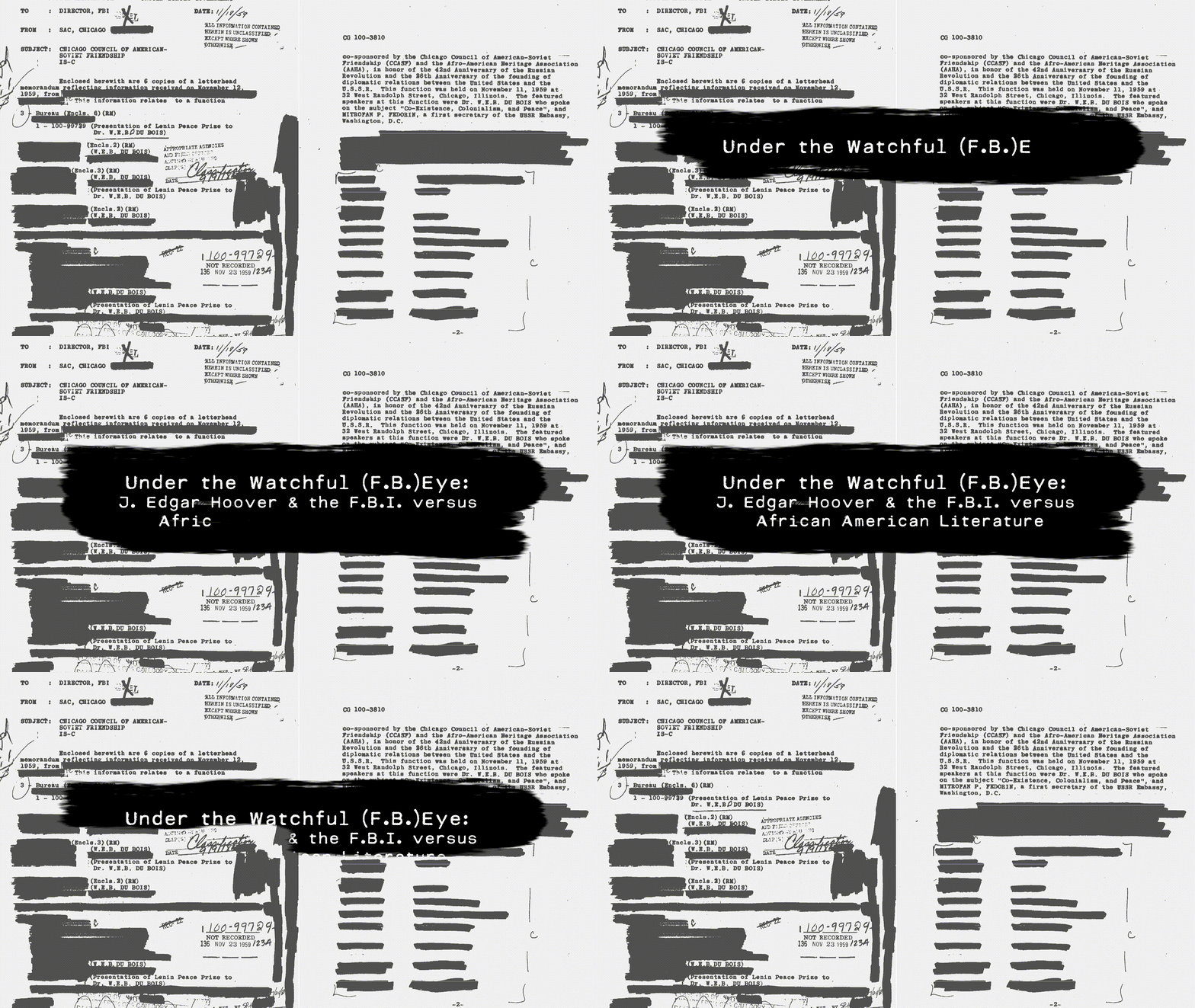
I was fortunate enough to have the chance to enroll in what was, at the time, an experimental seminar course: Introduction to Digital Humanities (INFO 5960). The purpose of the class is to essentially provide a toolkit and hands-on experience in concepts and tools that may be commonly used in the digital humanities discipline. Students learn about ethics, publishing platforms, data visualization, mapping, and text analysis and mining. A large part of the course is dedicated to creating a humanities project using either Omeka or Scalar, based on a dataset of the student’s choice. For my project, I used Scalar and based on the work of Dr. William J. Maxwell and Washington University in St. Louis (WUSTL), created a project detailing the lives of seven notable Black authors and activists that had been surveilled by the F.B.I. under the direction of J. Edgar Hoover. I’ve compiled pages from the digitized files, images, video, and audio to tell a story of how this relationship, for lack of a better term, began. It was an interesting and slightly taxing experience, but I’m proud of the result.
008 - Friend of a Friend (FOAF) profile
During my journey of learning XML and RDF-based systems, I’ve learned, among many things, about the Friend of a Friend (FOAF) ontology. According to Wikipedia, a “FOAF (an acronym of friend of a friend) is a machine-readable ontology describing persons, their activities and their relations to other people and objects. Anyone can use FOAF to describe themselves. FOAF allows groups of people to describe social networks without the need for a centralised database.” I thought it would be a fun exercise to create an HTML version of a FOAF profile, even though a lot of this information can be found elsewhere on here. I’ve added some human-readable information that allows the information to flow better, turning each line of code into a digestible paragraph. To see my profile as HTML, click here.